Simple trick can help during your work
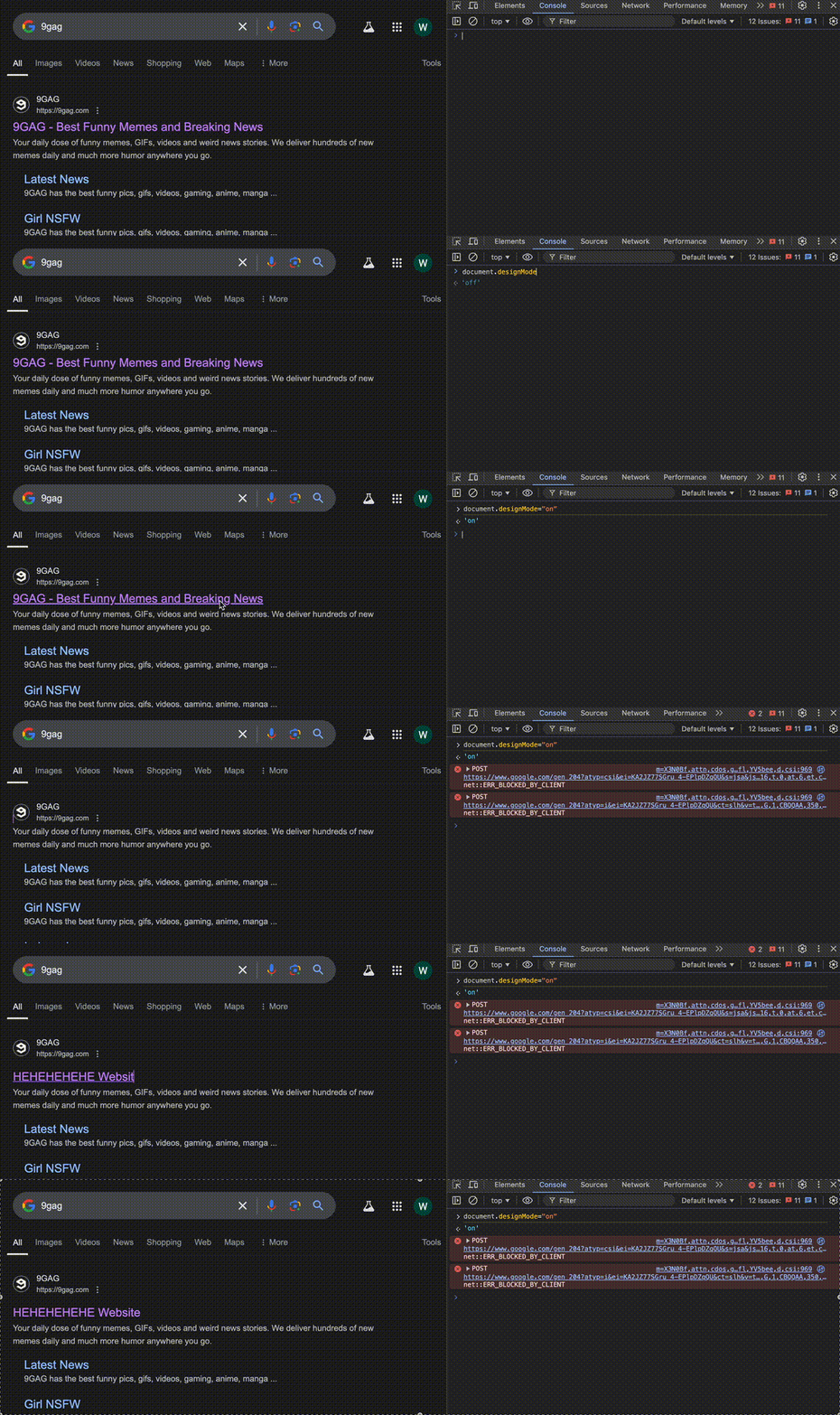
Edit content page directly without change the code
I wish I knew, you can edit page content directly in browser by type this script document.designMode = 'on'.
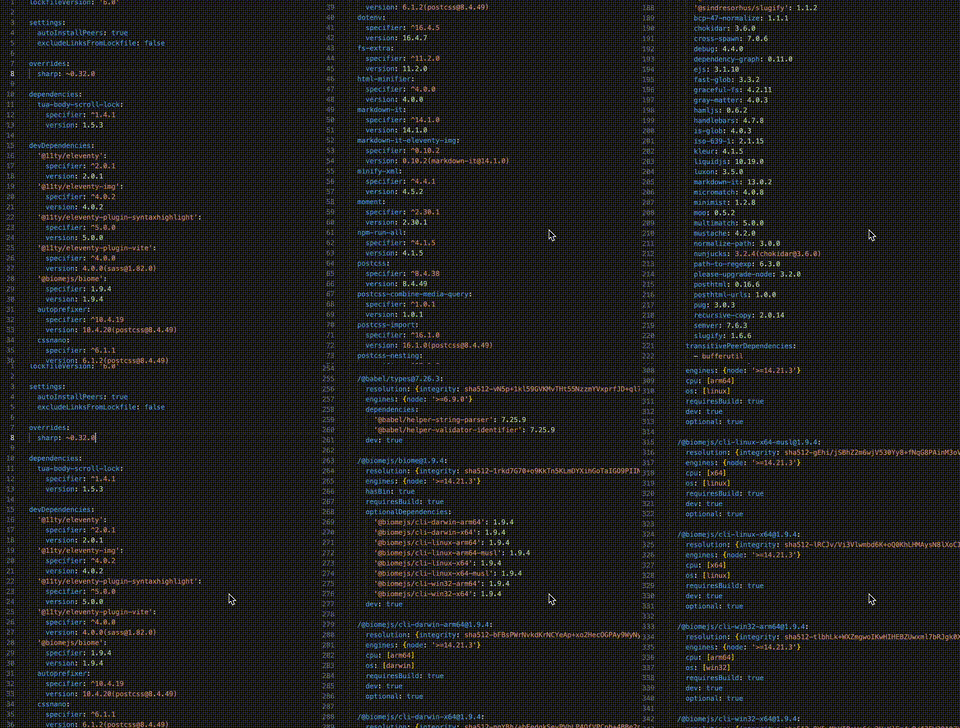
Fast scroll VSCode
I wish I knew, you can scroll your line code faster by press hold alt key on Windows or option on Mac.
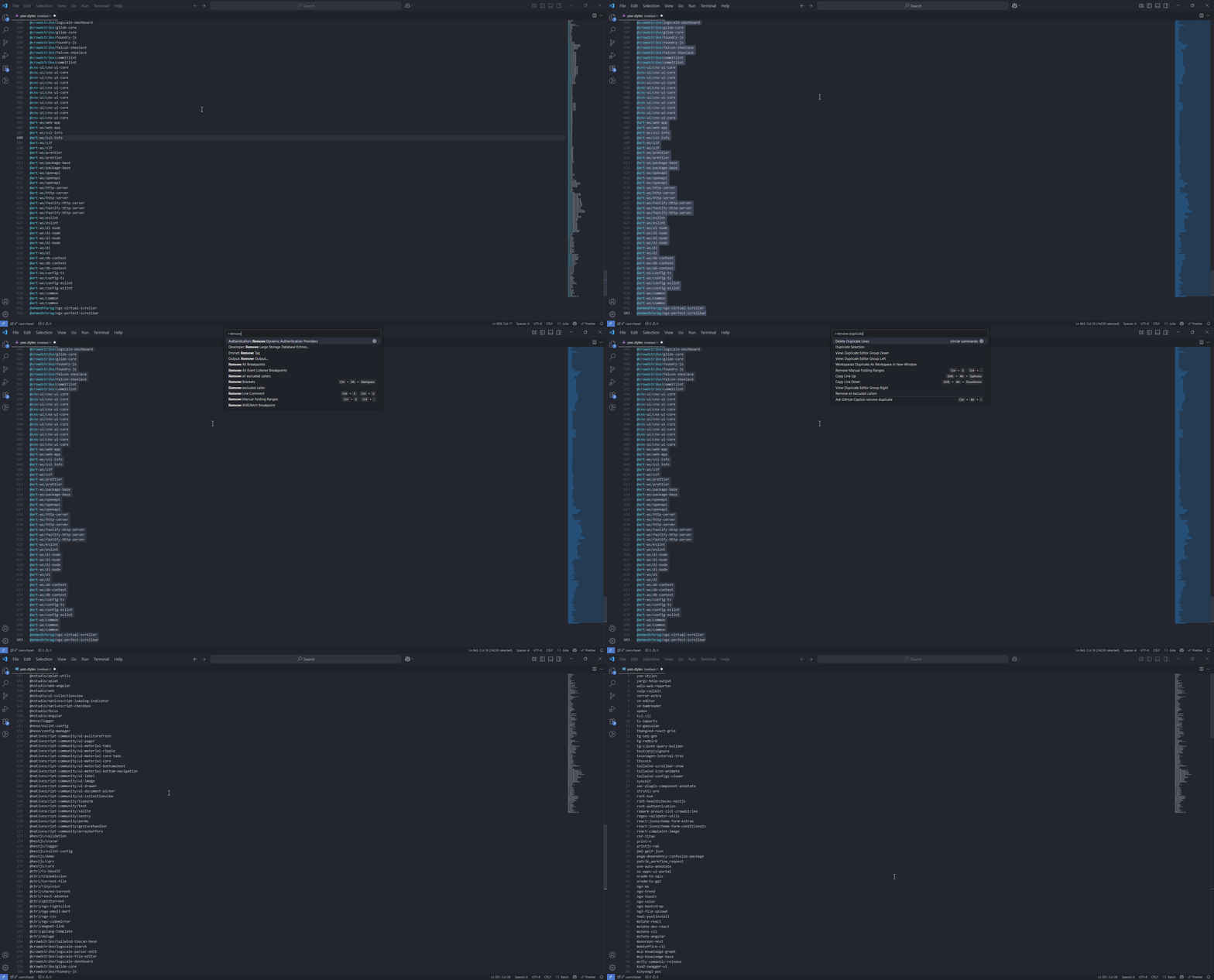
Remove all duplicate name or list on VSCode
I wish I knew, you can remove duplicated list or lines with simple step, by block all list ctrl + a then type ctrl + shift + p (Windows) or command + shift + p (Mac) then select Delete Duplicate Lines
You can sort the the list as well by also by select Sort Lines Ascending or Sort Lines Descending
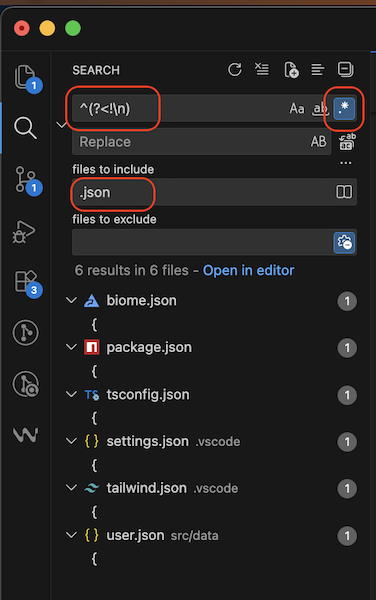
How to find files in search menu in VSCode
Yoooooo…you can search files using this Regex in search menu, Regex: ^(?<!\n)
And I wish I knew more…