During my work, I have to handle an issue regarding optimizing code, but the code has a lot of duplicated blocks. I have to find a way to remove these blocks since duplicated code has impacted the performance index.
The Messiah again!
Then I found this tool, an open source can detect copy/paste code. The JSCPD gives the ability to find duplicated blocks implemented on more than 150 programming languages and digital formats of documents.
I tried install on my project, then. Booommmmm… a lot of duplicated code detected by JSCPD.
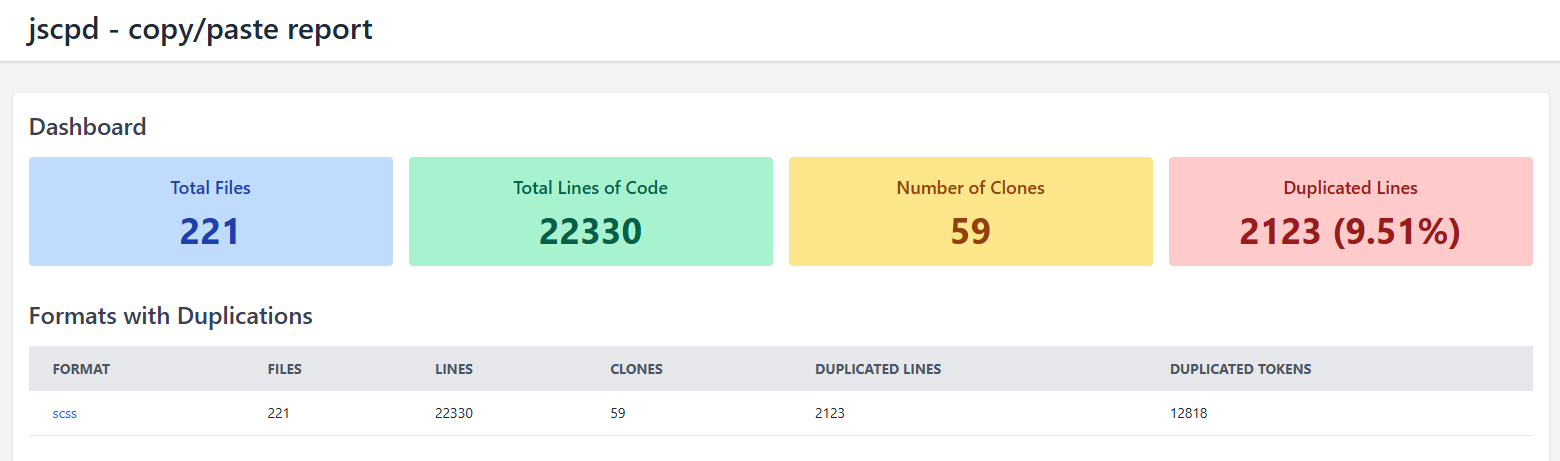
Installation & configuration
Installation process & how to use is quite simple, just install NPM package as usual, and set up the config:
- Install package:
npm install -g jscpd - Put
.jscpd.jsonfile in the root of the projects - Set the config
{
  "threshold": 50,
  "reporters": ["html"],
  "ignore": [
    "**/__snapshots__/**",
    "**/node_modules/**",
    "**/report/**",
    "**/dist/**",
    "**/cypress/**",
    "**/*.vscode/**",
    "**/public/**"
  ],
  "include": ["./src"],
  "absolute": true,
  "pattern": "**/*.scss",
  "format": "scss"
}- Add new script to check duplication at
package.json
"scripts": {
    "check:duplicate:code": "jscpd ."
},- Then run the script on command line by type
pnpm run check:duplicate:code - JSCPD will generate the result at folder
/report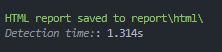
Note: You can change the format of the files you want to check. Since I need to check duplication on SCSS files, I put SCSS format file in the configuration file.
Results
Now I can find where exactly the duplicated code is, so I can remove it manually. And after a lot of attempts to remove duplicated code, the result now become clear. Now my code no longer has duplicated code, cleaner no messy - messy, more readable, size is reduced & more maintainable.
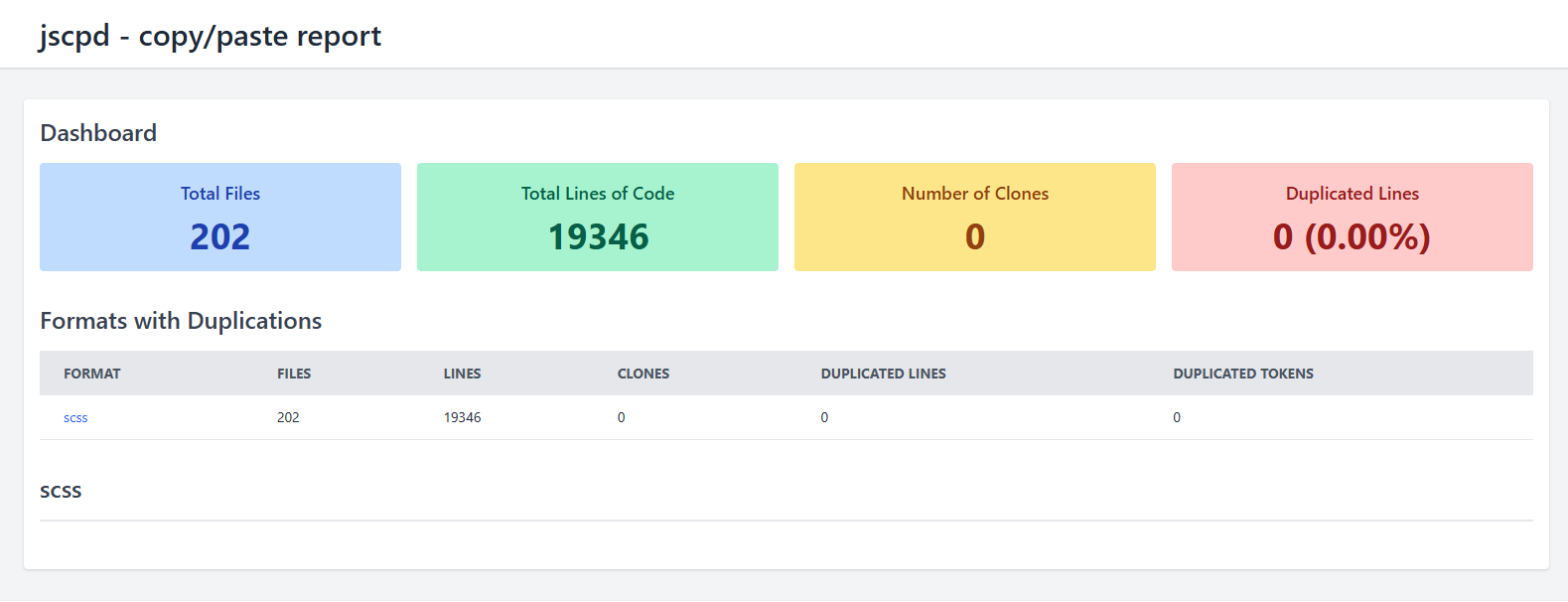
If you interest to try, you can check their official documentation for more information and optimized configuration on their official website.